




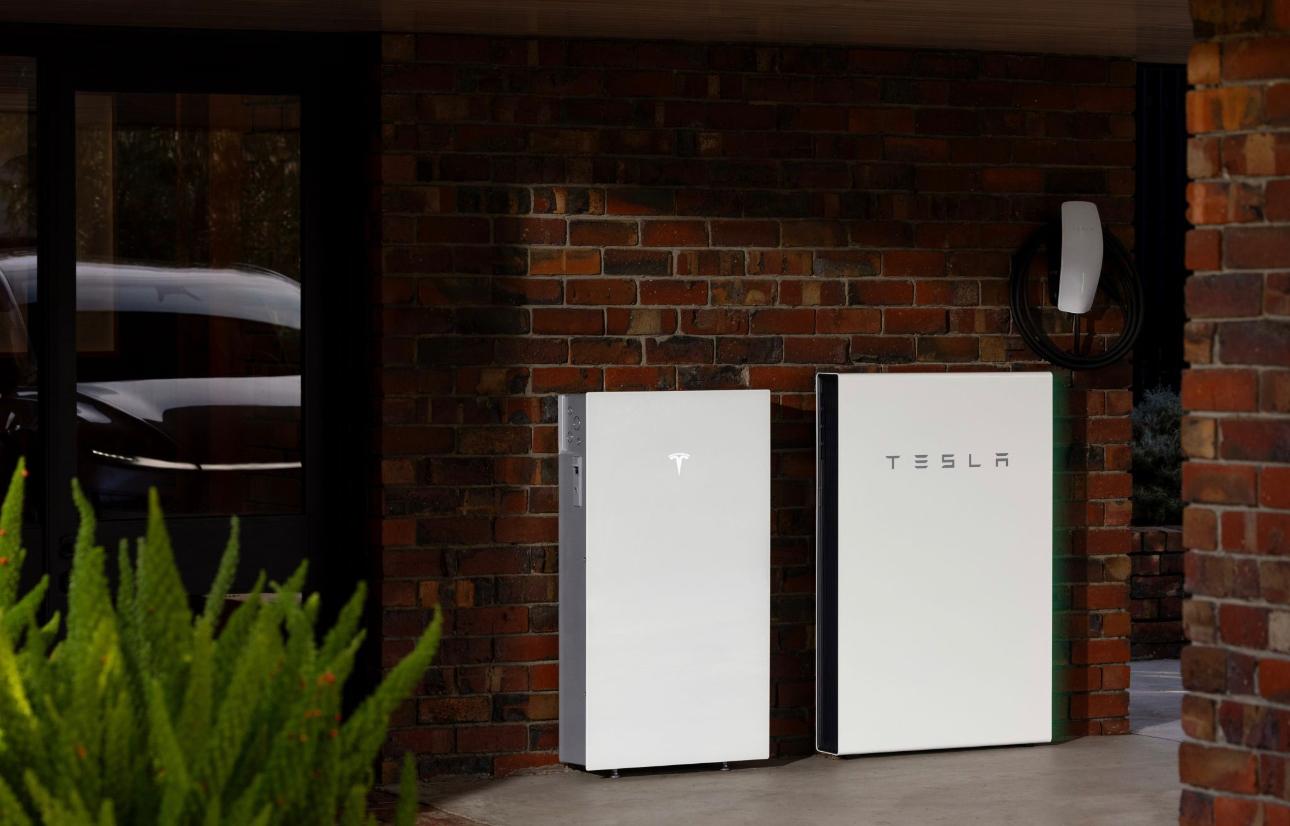
Powerwall 2 and Powerwall 3 Can Finally Work Together
Eligible Powerwall 2 owners can now add a Powerwall 3 without removing a working battery system.
From Powerwall software version 26.18, Tesla supports one Powerwall 3 alongside an existing system containing up to four Powerwall 2 units. The site must also meet Tesla's Gateway, metering and wiring requirements.
Can You Add Powerwall 3 to Powerwall 2?
Yes, when the existing installation is compatible. This update allows homeowners to retain their Powerwall 2 capacity while adding newer Tesla battery storage.
The upgrade must be designed and installed by a qualified Tesla Powerwall installer. Site suitability also depends on the switchboard, electrical supply, available space, phase configuration and local network requirements.
How the Combined System Works
Powerwall 3 connects to the existing Powerwall 2 system through communication wiring. Once configured, Powerwall 3 becomes the Site Controller. Backup Gateway 2 continues to manage grid disconnection and islanding during an outage, while the Powerwall 2 units continue contributing energy and power.
The Powerwall 3 On/Off switch controls the complete system. Each Powerwall 2 switch controls only that individual unit.
How Much Battery Storage Can You Add?
Powerwall 2, Powerwall 3 and each Powerwall 3 Expansion unit provide 13.5 kWh of usable storage. Supported combinations include:
| Existing system | Equipment added | Total usable storage |
|---|---|---|
| 1 × Powerwall 2 | 1 × Powerwall 3 | 27 kWh |
| 2 × Powerwall 2 | 1 × Powerwall 3 | 40.5 kWh |
| 3 × Powerwall 2 | 1 × Powerwall 3 | 54 kWh |
| 4 × Powerwall 2 | 1 × Powerwall 3 | 67.5 kWh |
| 4 × Powerwall 2 | 1 × Powerwall 3 + 3 × Expansion units | 108 kWh |
Expansion units add storage, not output. Each Expansion adds 13.5 kWh, but does not increase system power. Tesla specifies an 8 kW maximum continuous charge rate for systems containing Expansion units. State-specific phase-imbalance requirements may further limit output.
What Must Be Checked Before Installation?
Backup Gateway
The existing system must use Backup Gateway 2. A system with the older Backup Gateway 1 requires a Gateway upgrade before Powerwall 3 can be integrated.
Energy Metering
A Tesla Remote Meter is required. An existing Neurio meter must be replaced, including on installations that already have Backup Gateway 2.
Battery Limit
The supported configuration allows no more than four Powerwall 2 units with one Powerwall 3. Systems containing five or more Powerwall 2 units are not compatible with this setup.
Electrical Capacity
The installer must review the switchboard, circuit capacity, wiring, protection, phase configuration, property supply, installation space and network requirements. Powerwall 3 requires a 63 A breaker and appropriately sized AC wiring.
Will the Solar System Need to Change?
Not necessarily. Existing AC-coupled solar may remain in place if it is correctly metered and operating within the expected range. If existing solar strings are moved to Powerwall 3, the installer must confirm that the wiring and design comply with current regulations.
Is the Upgrade Worth Considering?
The update gives existing Powerwall 2 owners a practical route to more storage without removing a working battery. It may be useful for homes that have added an electric vehicle, increased evening consumption, installed more solar or need greater outage protection.
However, the right capacity depends on consumption, solar generation, tariffs, backup goals and available surplus solar. A site-specific assessment should determine whether additional storage is technically and financially suitable.
Frequently Asked Questions
Can Powerwall 2 and Powerwall 3 operate together?
Yes. Tesla supports one Powerwall 3 with up to four Powerwall 2 units when all Gateway, metering, software and installation requirements are met.
Do I need to remove my Powerwall 2?
No. A compatible Powerwall 2 can remain in service and operate as part of the expanded system.
Can I keep Backup Gateway 1?
No. Backup Gateway 1 must be replaced with Backup Gateway 2 for this configuration.
Does a Neurio meter work?
No. Tesla requires a Tesla Remote Meter, so an existing Neurio meter must be replaced.
What is the maximum supported capacity?
Four Powerwall 2 units, one Powerwall 3 and three Expansion units provide up to 108 kWh of usable storage.
Will the batteries work during a blackout?
Yes, when the system is correctly designed for backup operation through Backup Gateway 2.
Upgrade Your Existing Tesla Powerwall System
Electrifying Australia can assess your Powerwall 2 installation, confirm compatibility and identify any required Gateway, meter, switchboard or electrical upgrades.
Request a Powerwall assessmentSystem compatibility, output and performance depend on site conditions, current Tesla documentation, local regulations and electricity network approval.